Find notes in Spotlight
Spotlight indexes note titles and unprotected bodies. Choose a result to open the corresponding note directly.
MenuBar NotesmacOS · In development
A genuinely Mac-native notes app
Your notes stay one shortcut away in the menu bar, with independent windows when an idea needs more room.
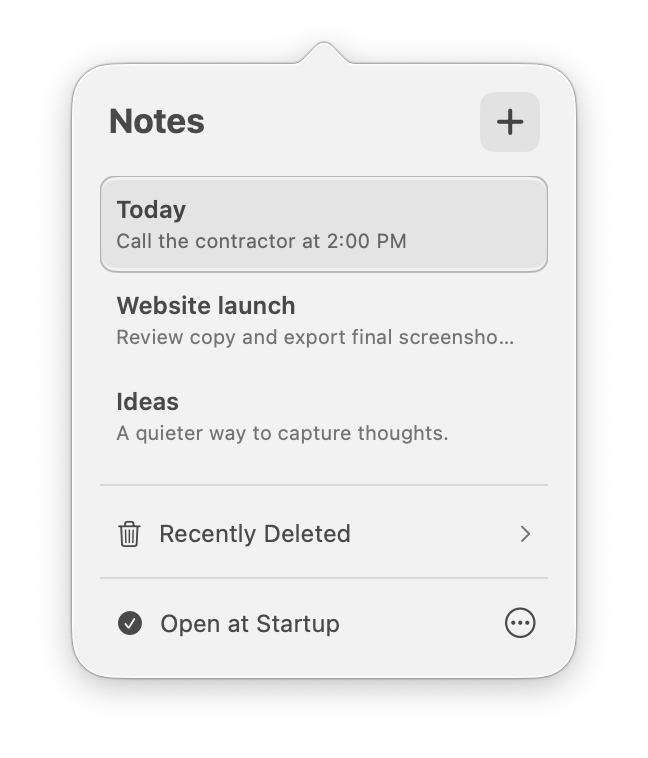
Right where you need it
MenuBar Notes is intentionally focused. It does not try to turn every thought into a project. It makes the path from “I should remember that” to a saved note feel immediate and familiar.
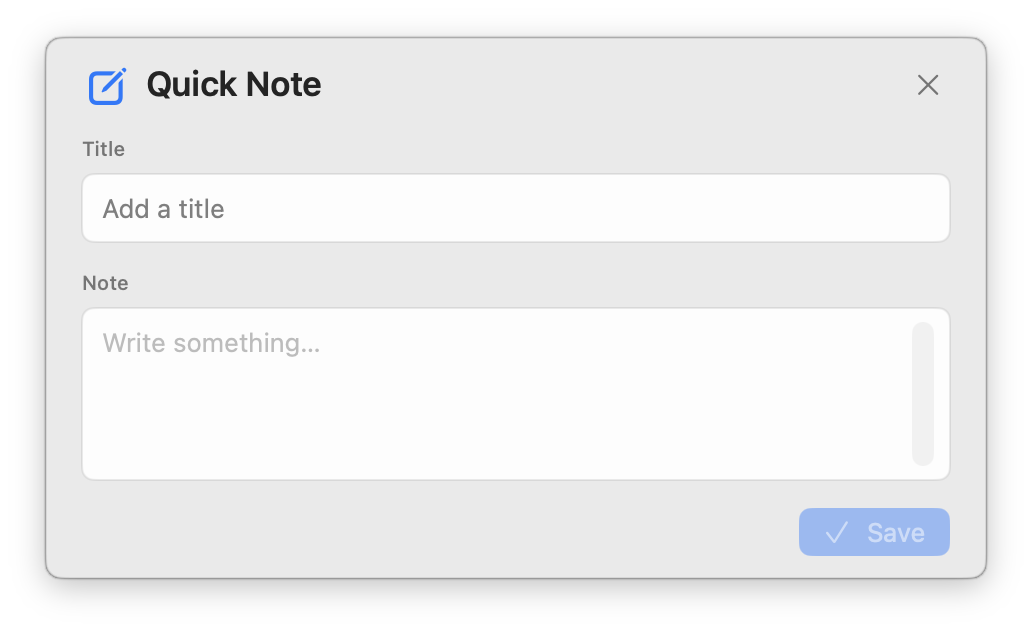
Quick Capture
Use the global shortcut from any app to open a compact title-and-note form. Save it, close it and keep moving without rearranging your workspace.
Focused writing
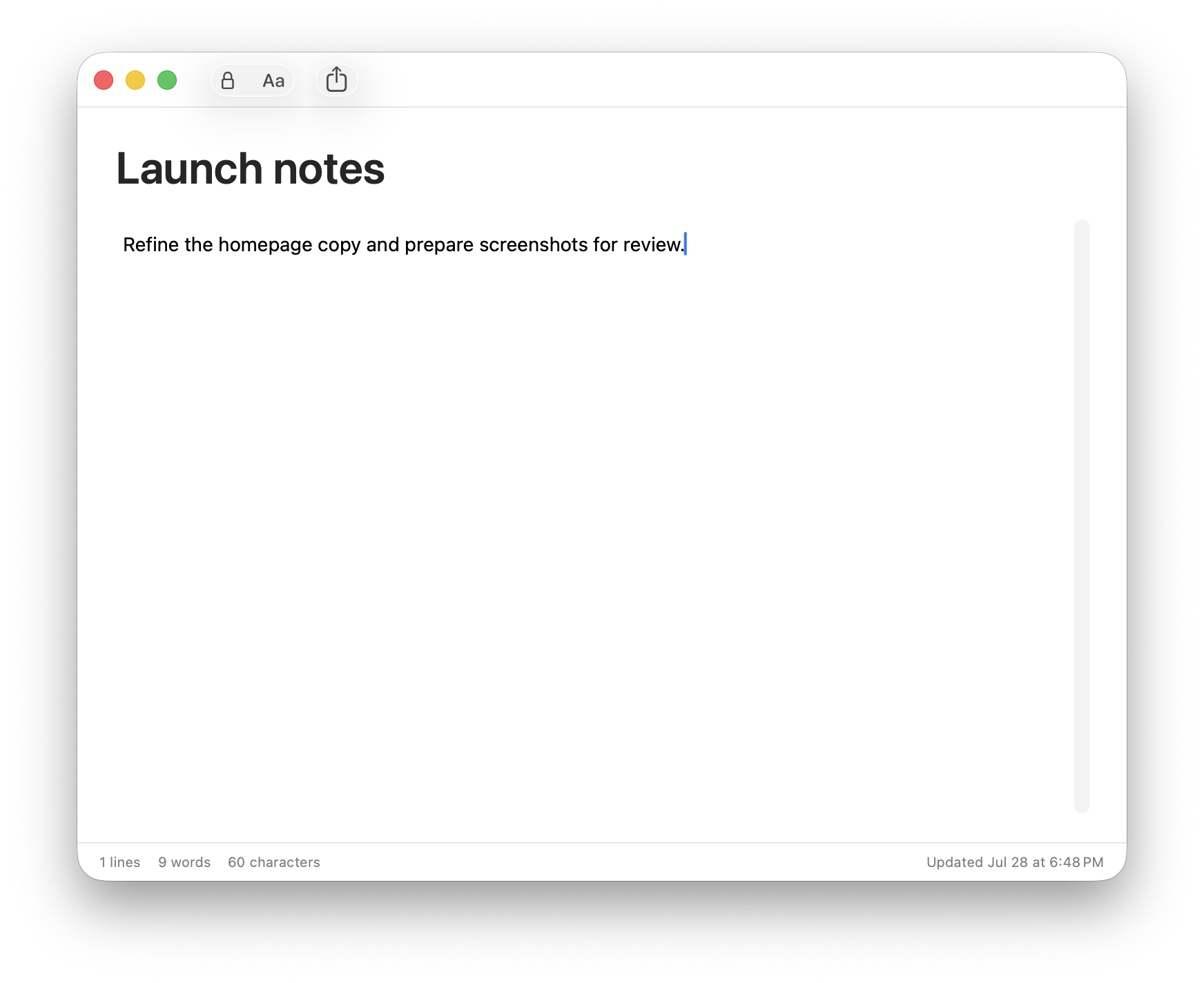
Open a note in an independent, resizable Mac window. The app restores open note windows and their positions after relaunch, so an ongoing thought can return to the same place.
Deep macOS integration
Spotlight indexes note titles and unprotected bodies. Choose a result to open the corresponding note directly.
Select text in another Mac app and choose Services → New MenuBar Note to turn it into a note.
Drop TXT or RTF documents onto the menu bar icon to import them as notes.
Drag an unprotected note into Finder, Mail or another app to create an RTF document named after the note.
Share an unprotected note as RTF through the standard share sheet, or print its title and formatted body with Command-P.
MenuBar Notes participates in Command-Tab and can bring every open note window to the front.
Keyboard first
Create, open, find, print, navigate and reorder without reaching for the mouse.
Privacy, precisely
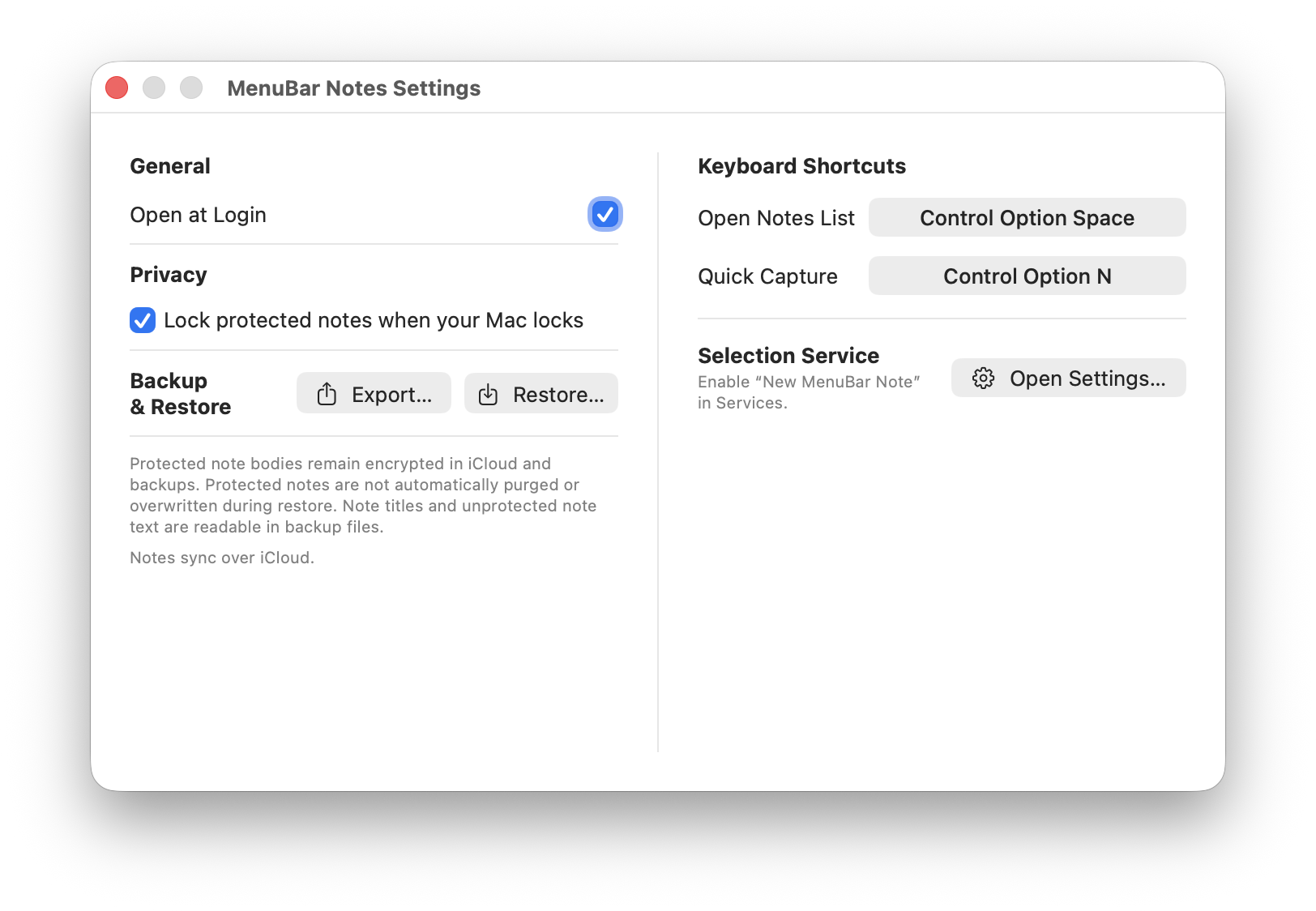
Individual notes can be password protected. Their body and rich-text content are encrypted with AES-GCM before storage or synchronization, using a key derived with PBKDF2-HMAC-SHA256.
A protected note’s title is visible in the notes list, Spotlight and iCloud, protected note content is not.
Deleting a protected note requires its password.
Protected notes can lock when the Mac sleeps, locks or after a chosen period of inactivity.
Protected bodies are excluded from Spotlight, drag export, sharing and AppleScript.
Forgotten note passwords cannot be recovered.
Automation and continuity
Create, inspect, edit, show and delete unprotected notes from your own scripts and workflows.
Keep notes synchronized through your private iCloud account.
Export notes as JSON and restore them later. Protected bodies remain encrypted in backup files.
Currently in development
The core experience is working now. Packaging, distribution and final release details will come later.